
Modern IPTV player for
Linux, Windows & macOS
Live TV, movies and series from any M3U playlist or Xtream Codes provider, with a TV guide and real posters. Free, open source, and quick with 150,000 channels.
For Linux, Windows and macOS Also for Windows and macOS Also for Linux and macOS Also for Linux and Windows A desktop app for Linux, Windows and macOS · All downloads · Free forever, GPL v2, no account
Home. A pick of the day and genre slideshows from your own playlist, new every day.
1 / 7 · Click to enlarge · ← → to browse
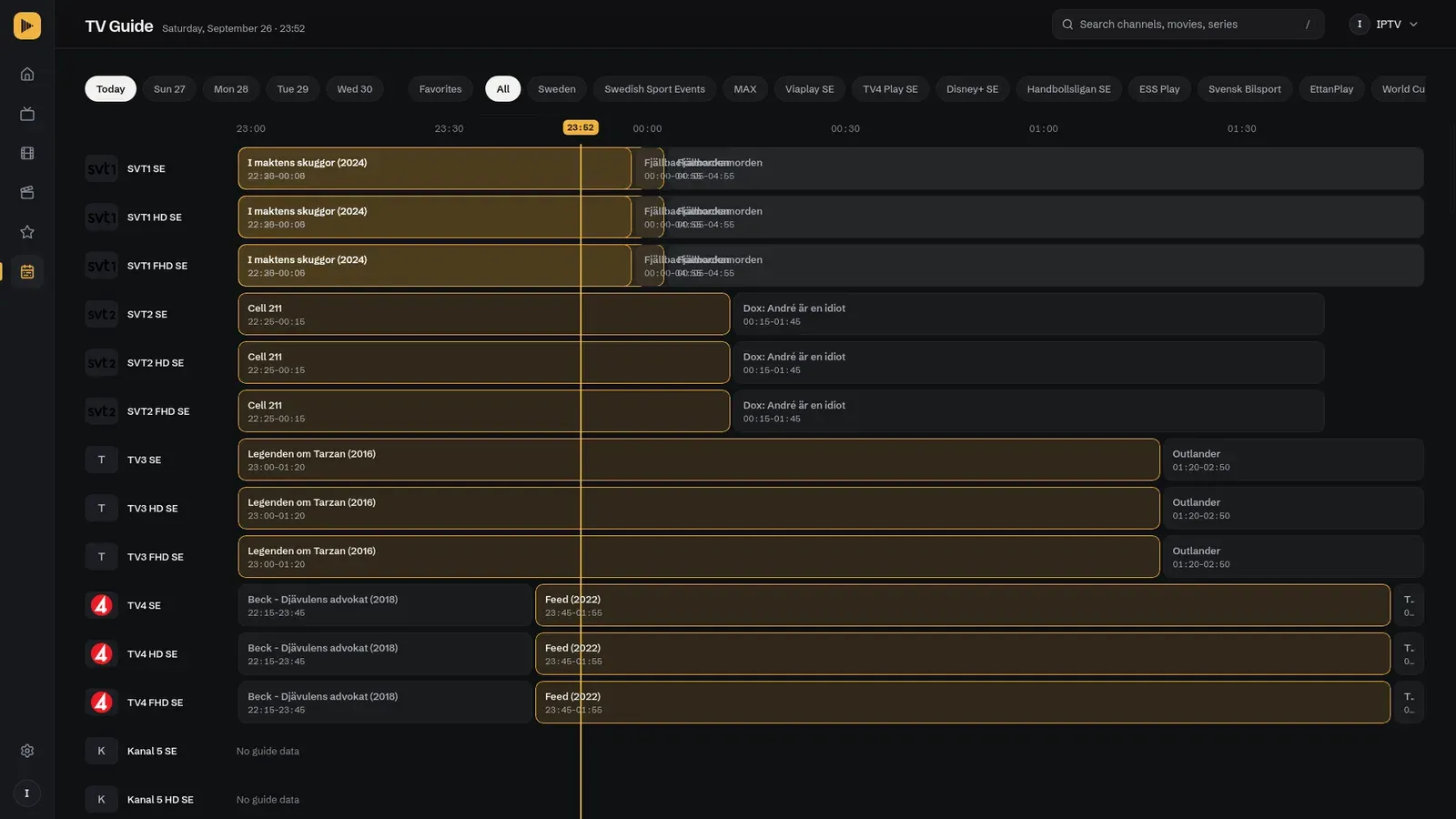
TV Guide
The whole evening, on one screen
See what is on now and next across your channels, with a line for the current time. Press G from anywhere, and start any programme with one click.
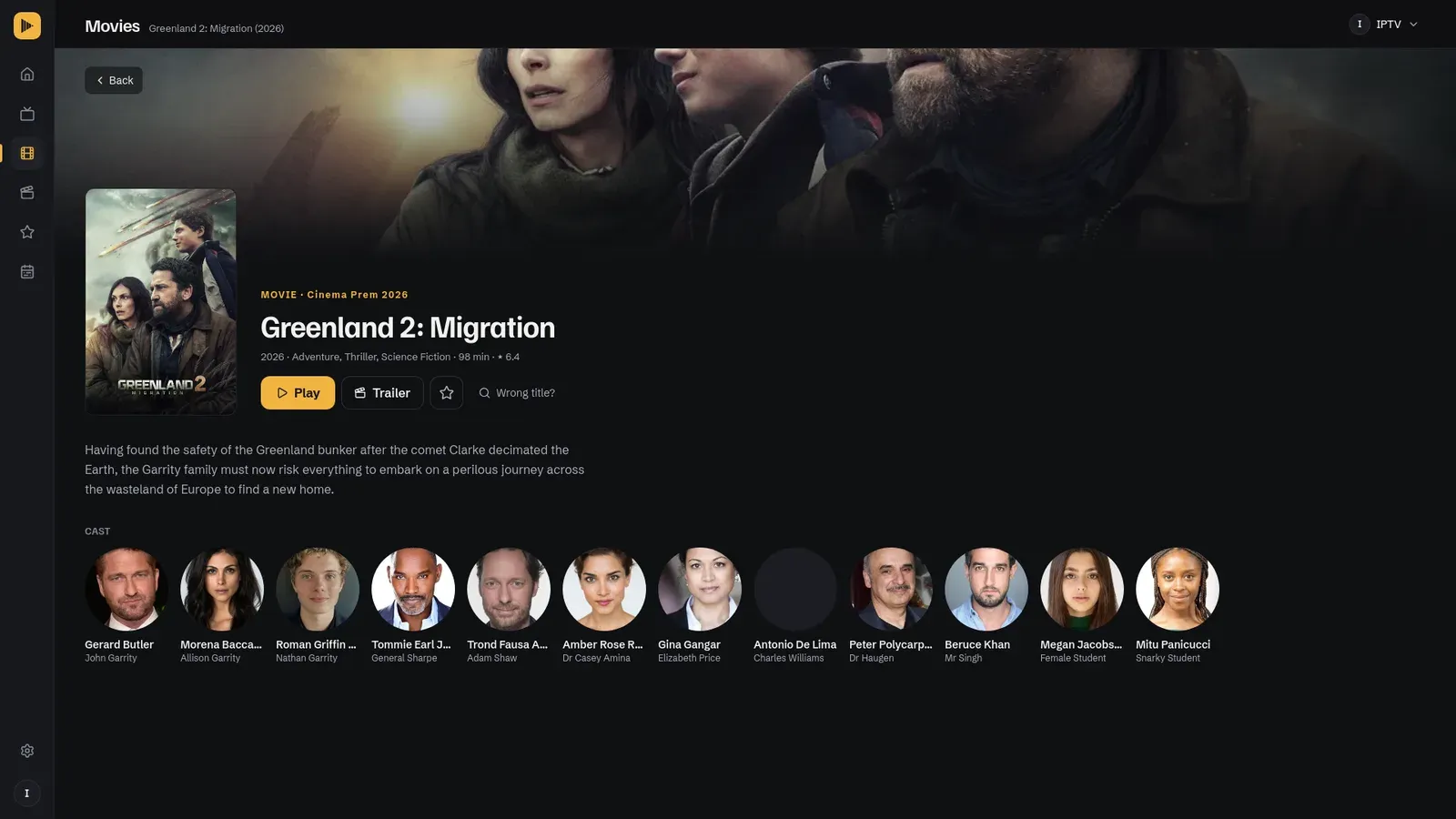
Movies & series
Real posters, plots and cast
Every title gets its poster, rating and a detail page from TMDB, with a trailer. Start an episode and the rest of the season queues up behind it.
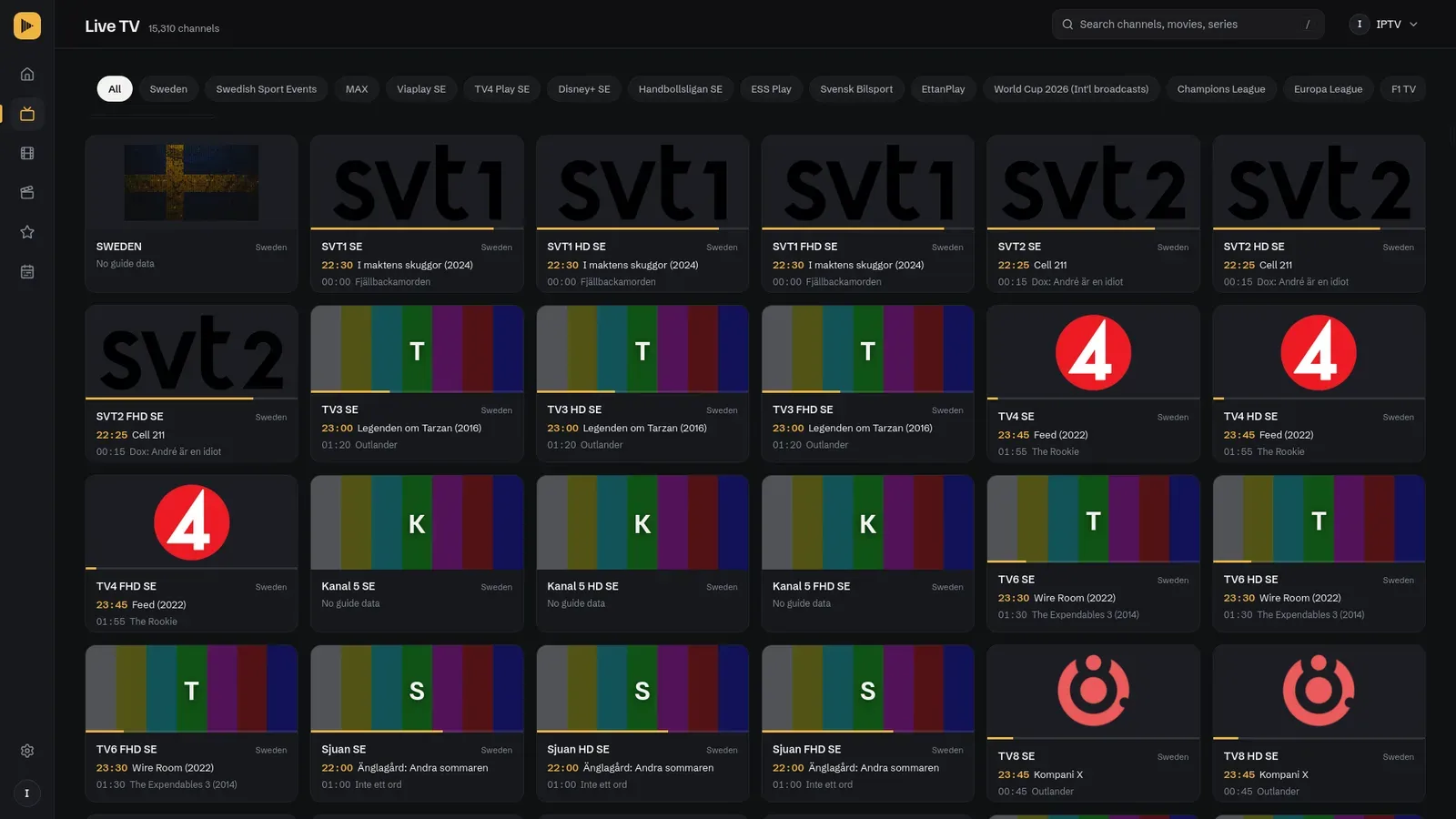
Live TV
Know what's on before you click
Every channel card shows the current and next programme and how far it has come. Favorites keep the channels you actually watch one click away.
-
150,000+ channels
The grid only draws what is on screen, so huge playlists stay quick.
-
M3U & Xtream Codes
A local file, a URL, or your provider login.
-
Search with /
Channels, movies and series in one search.
-
Profiles
One per provider, each with its own favorites.
-
Parental controls
A PIN, and channels hidden, locked or blurred.
-
Nothing leaves your computer
No account, no telemetry. Your data is one local file.
-
Plays in MPV
Every codec and hardware acceleration.
-
Linux, Windows, macOS
One app on all three, built with Rust and Tauri.
Download Better IPTV
Free and open source. Latest version: v3.0.0
All files on GitHub Releases
Linux
Your system- AppImage (Ubuntu / Debian)
- Debian package (.deb)
- RPM package (.rpm, Fedora)
- AppImage for Arch / Manjaro
Arch / Manjaro, from the AUR
yay -S better-iptv-bin Needs MPV: sudo apt install mpv
Keep it alive
One developer. Zero revenue.
Better IPTV is built in spare time, with no ads, no subscriptions and no company behind it. If you use it often, a small contribution helps keep it going.

Donate with crypto
- ETH
0x47183F4e4FEAeE4BF52d95E68893e950125b1B44 - BTC
bc1qth40h9t8r7hvp4czqvf20f3w72jdg4epd5mjq8 - SOL
3waxf6r2tmaaADuBGYoVD5qz4z8VnFNEGGafbXZ6Jf2j
Questions
Something else? Open an issue on GitHub.
No. The app ships with a shared key that covers normal browsing. Your own free key is only needed for the Home page, which fetches your whole library in the background.
Because MPV plays it. That is what gives you every codec, hardware acceleration and MPV's own controls. The app window stays for browsing.
On Linux and macOS, MPV has to be installed first (mpv --version should print a version). On Windows it is bundled with the installer.
Home needs ratings for your whole library. Add your own TMDB key under Settings → Metadata and turn on the background scan.
The playlist needs an EPG id for the channel, the guide URL must be set (automatic for Xtream), and the guide must have been downloaded under Settings → EPG.
Many providers allow one stream per line and count the last one as open for a while. Pick TiviMate or VLC under Settings → General → User-Agent, or wait half a minute between channels.
Yes. Turn the VPN on before you start a stream.
Delete better-ip-tv.db from the data folder and add your playlist again. There is no recovery, by design.